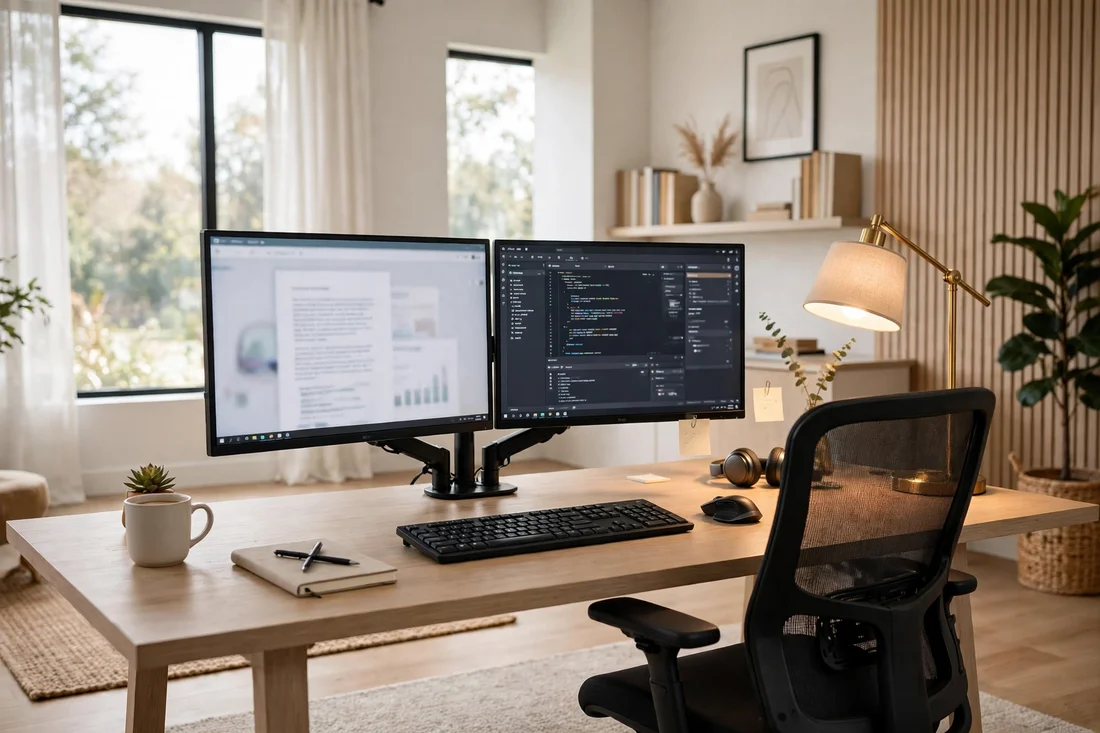
21 Home Office Setup Ideas That Make Work Feel Effortless
Introduction
A good home office setup is less about buying everything and more about placing the right things in the right spots. These 21 home office setup ideas cover desk height, monitors, lighting and cable control so your workspace feels effortless. For more inspiration, see our Home Office Setup and Closet Office.
1. Desk at the Right Height
A home office setup starts with the desk at elbow height and the screen at eye level, which is the single biggest comfort upgrade you can make. Measure once, adjust the chair, and your shoulders will thank you by the end of the week.
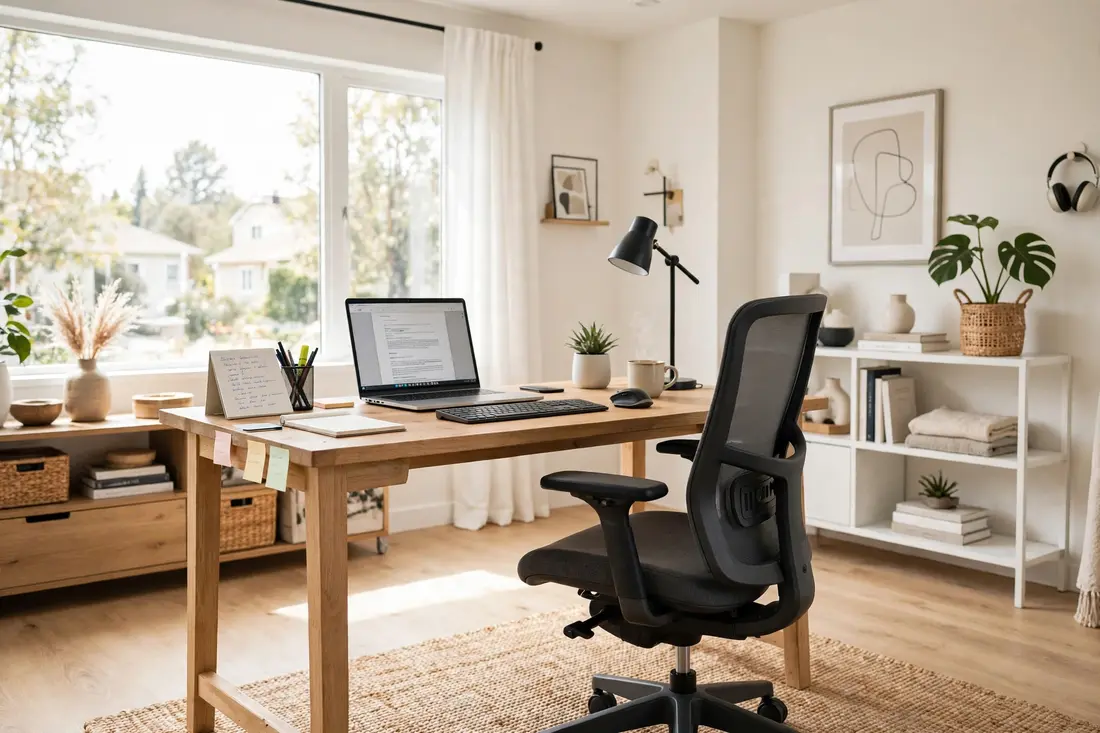
2. Dual Monitor Layout
Two monitors turn a home office setup into a real workstation: research on one screen, writing on the other, and no more tab juggling. Keep the main screen directly ahead and the second angled slightly to the side.
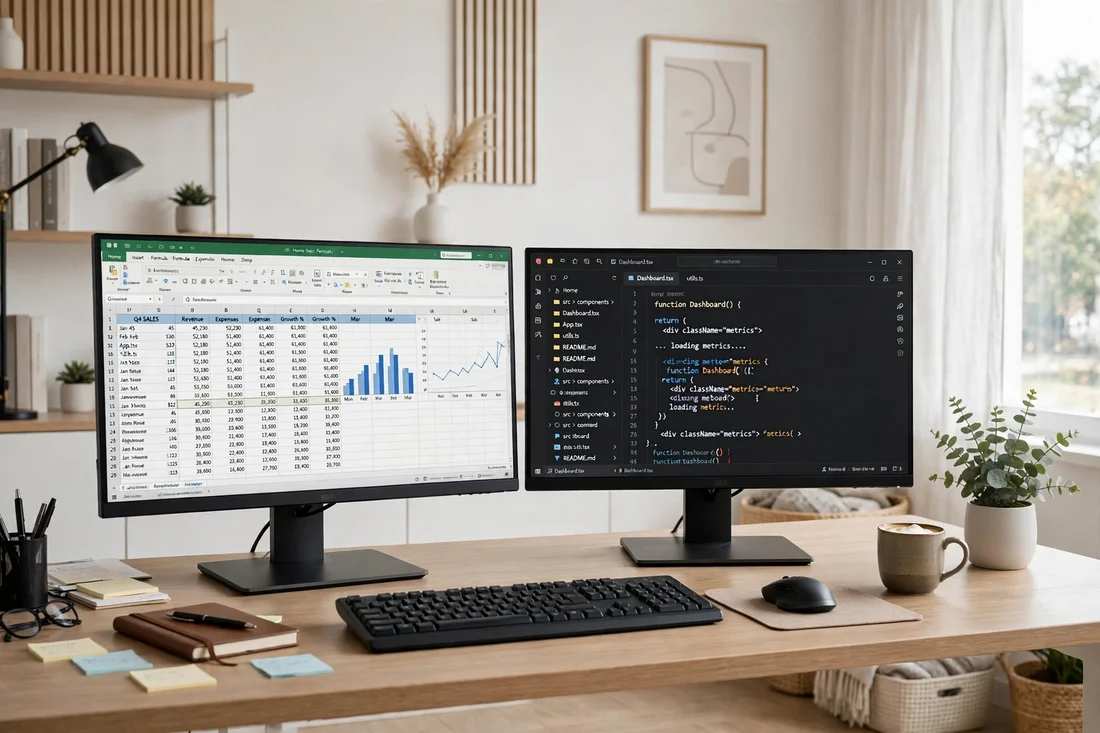
3. Laptop Stand Lift
A laptop stand lifts the screen to eye level and pairs with an external keyboard for a setup that feels like a desktop. It is the cheapest ergonomic upgrade in any home office setup.
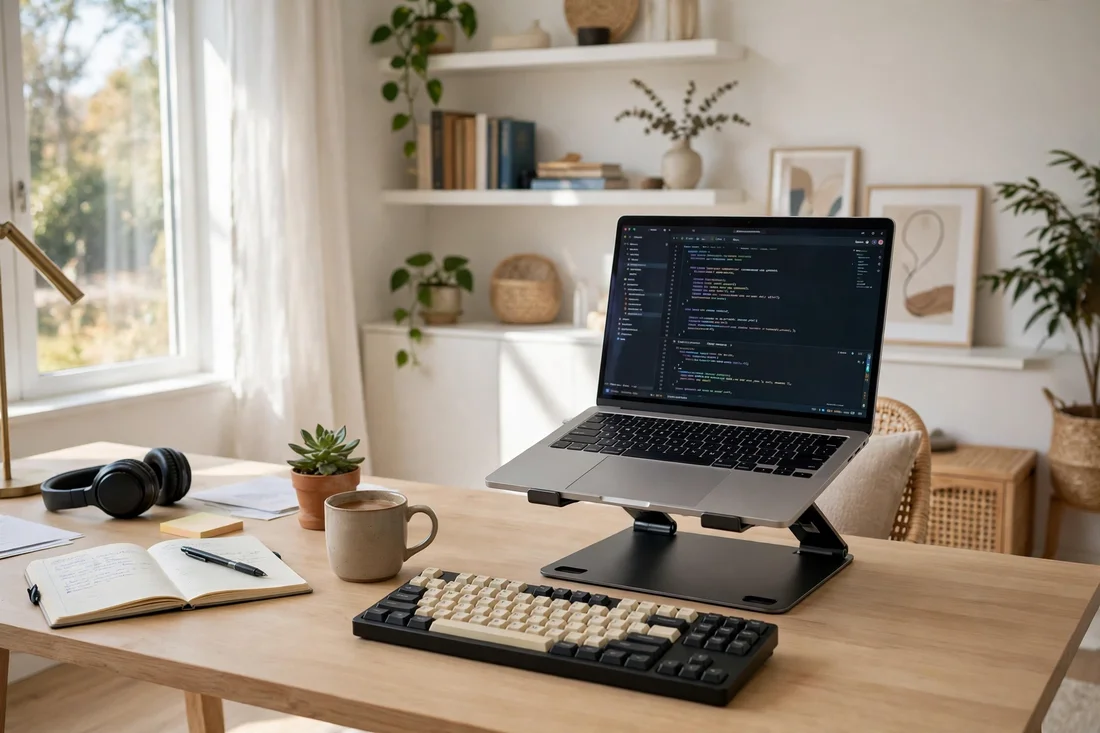
4. Keyboard and Mouse Pairing
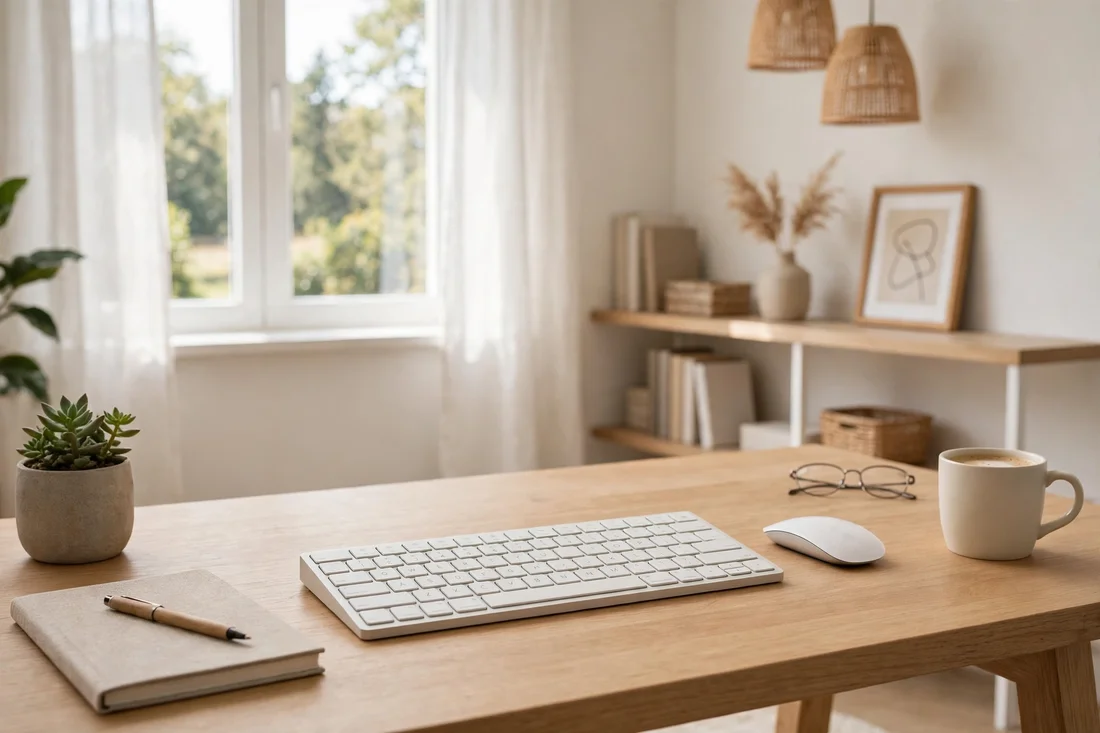
A wireless keyboard and mouse free the desk from cables and let you position your hands where they are comfortable. Choose a quiet set if you take calls, and keep a spare battery in the drawer.
5. Monitor Light Bar
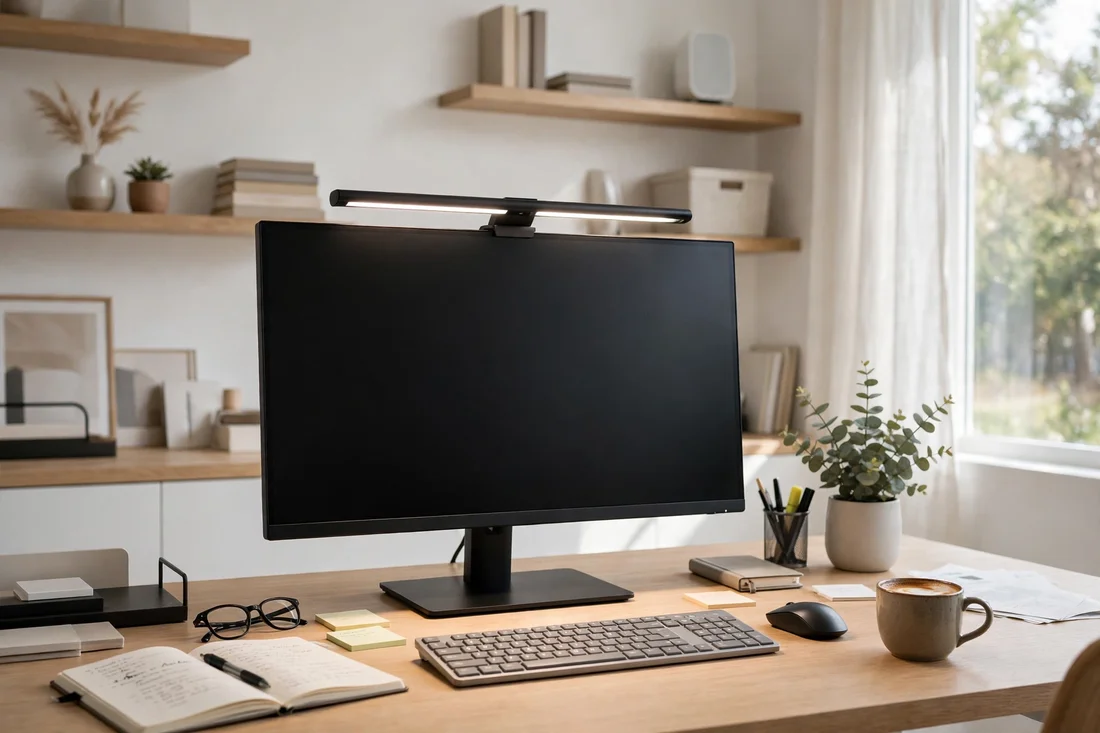
A monitor light bar washes the desk in even light without the glare of a lamp or the shadow of a screen. It is the one accessory that makes a home office setup look and feel professional on video calls.
6. Cable Spine Run
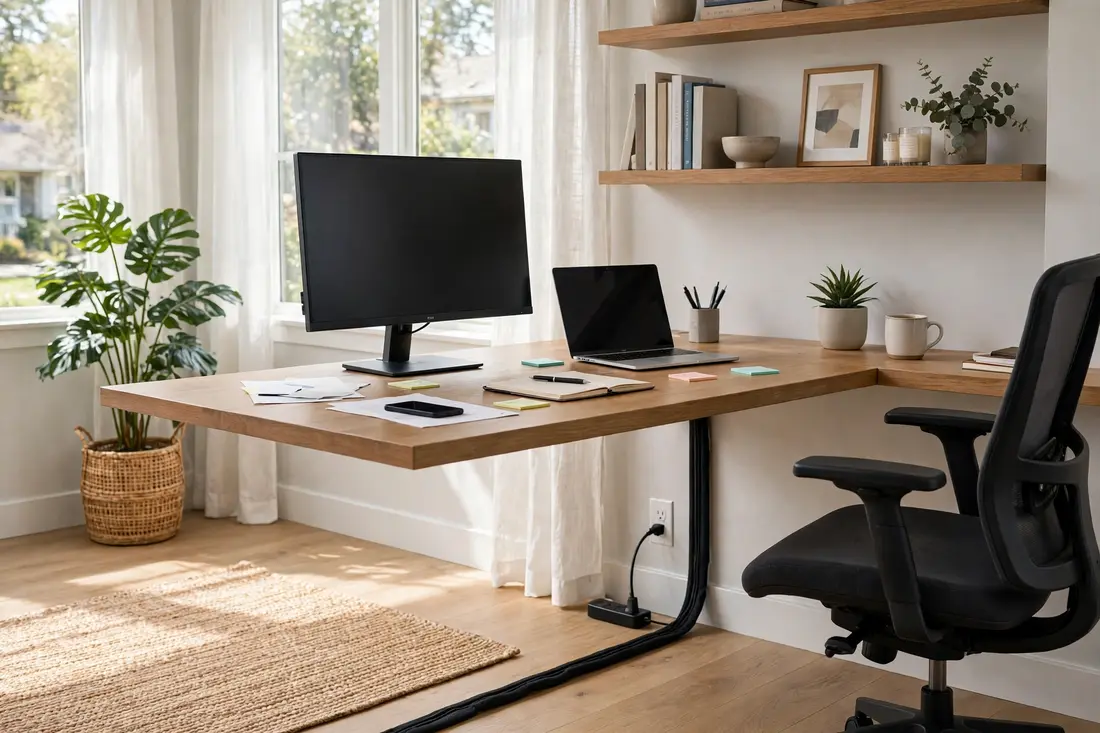
A cable spine runs the wires from the desk to the floor in one neat tube instead of a tangle behind the legs. It takes five minutes to fit and instantly makes the setup look finished.
7. Desk Organizer Tray
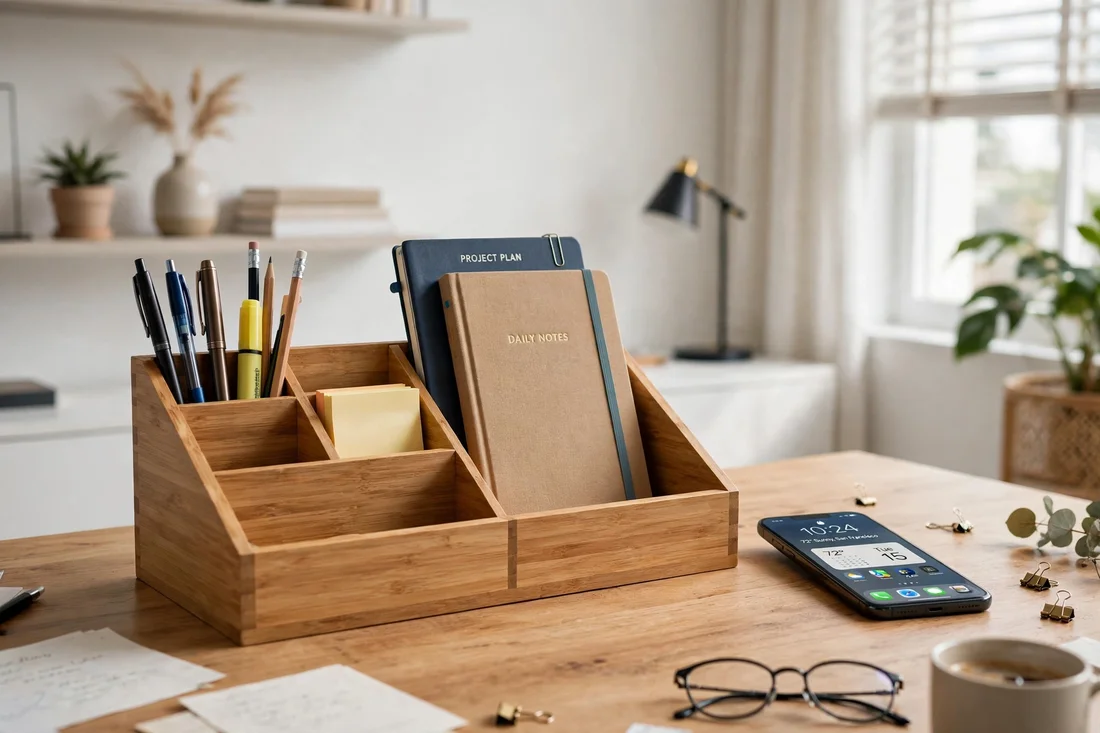
A desk organizer tray gives every small item a home so the work surface stays clear for actual work. Keep only the three things you use daily on top and file the rest away.
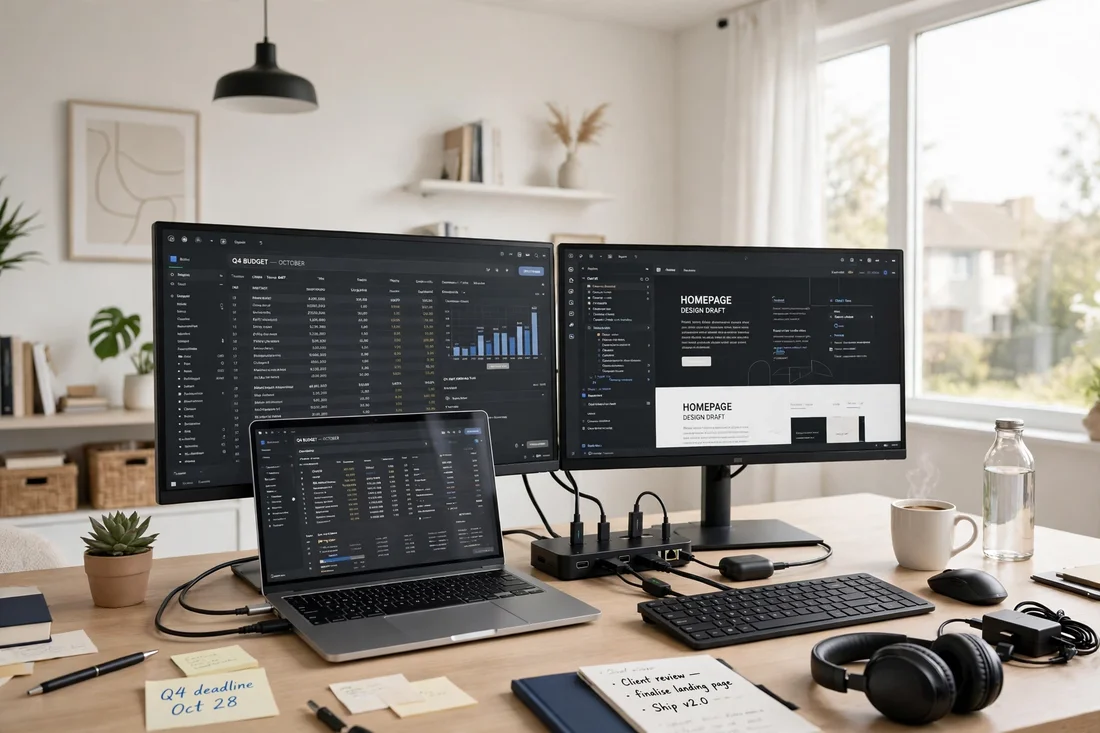
8. Docking Station Hub
A docking station turns one cable into a full home office setup: monitors, keyboard, charger and speakers all connect at once. Dock in the morning, undock at lunch, and the laptop stays portable.
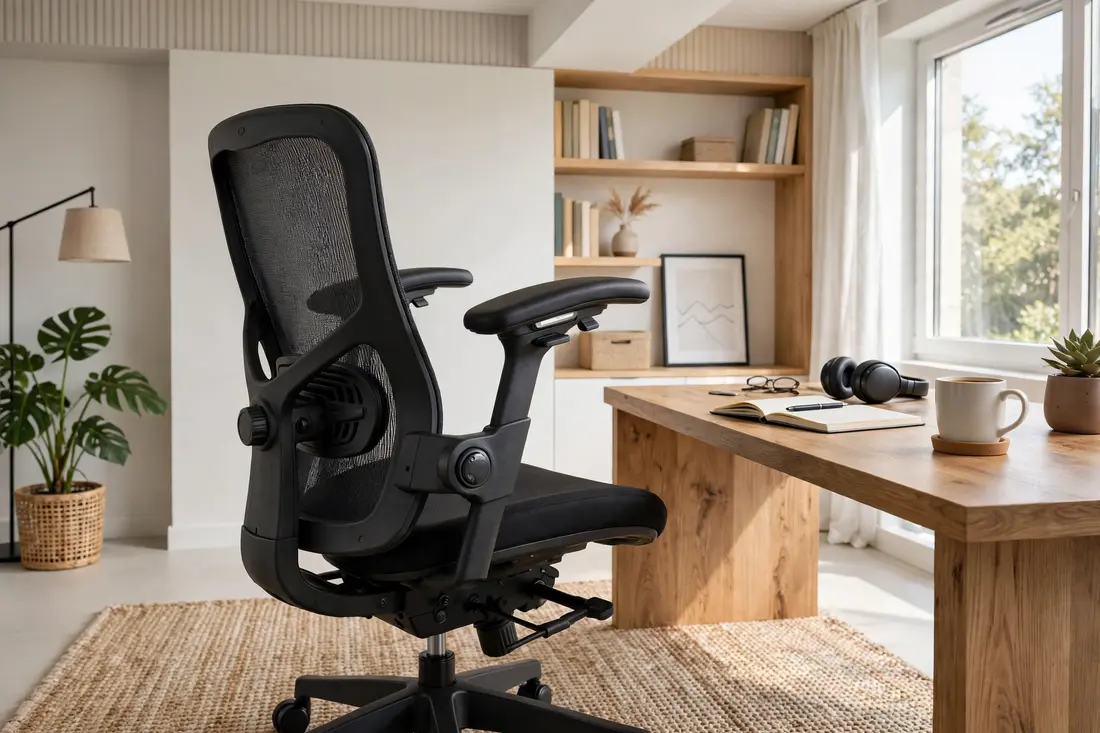
9. Ergonomic Chair Setup
Set the chair so your feet rest flat, your knees sit at ninety degrees, and the lumbar support meets your lower back. A well-adjusted chair is worth more than any other single item in a home office setup.
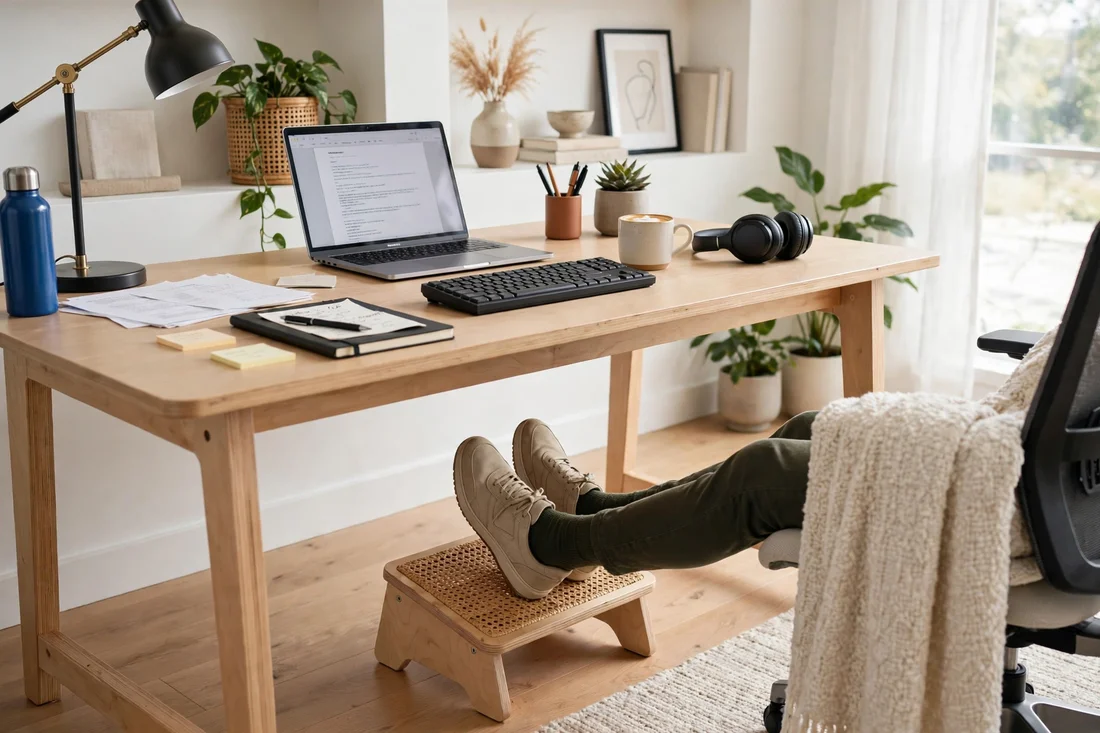
10. Footrest Comfort
A footrest is the small addition that makes long work sessions comfortable, especially if the chair is slightly too tall. Pick an adjustable one with a textured surface so your feet stay put.
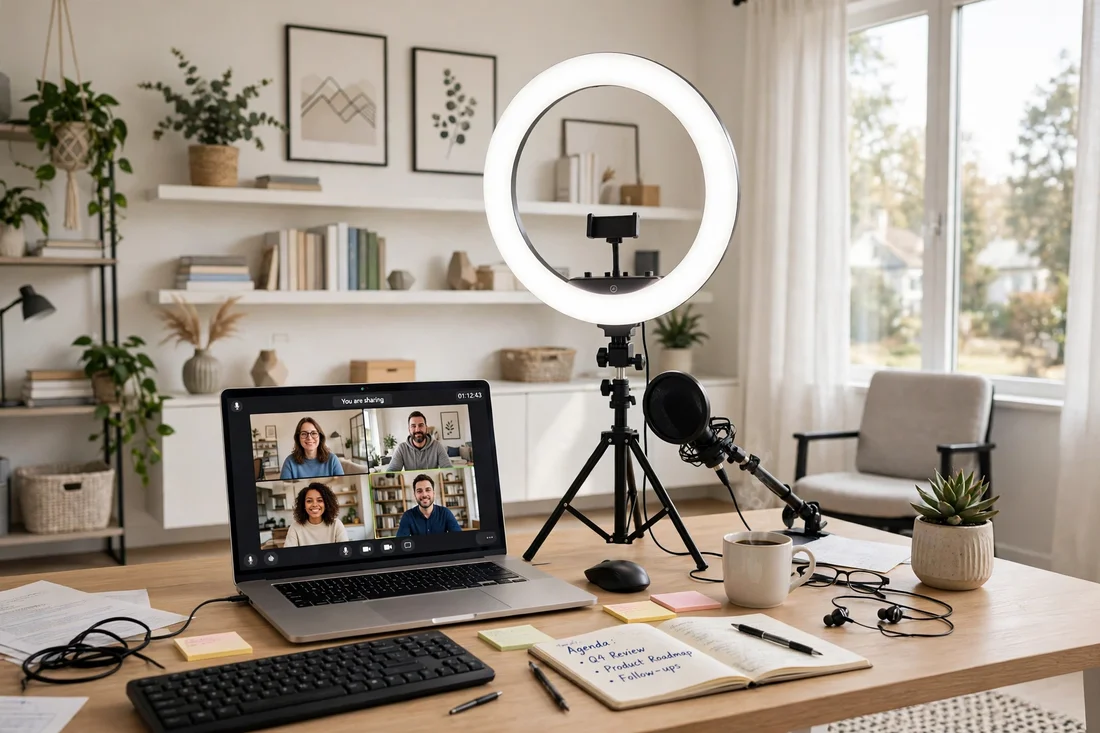
11. Ring Light for Calls
A ring light puts soft even light on your face for video calls, which beats any overhead light for how you look on camera. Set it just behind the laptop at eye level and dim it until it looks natural.
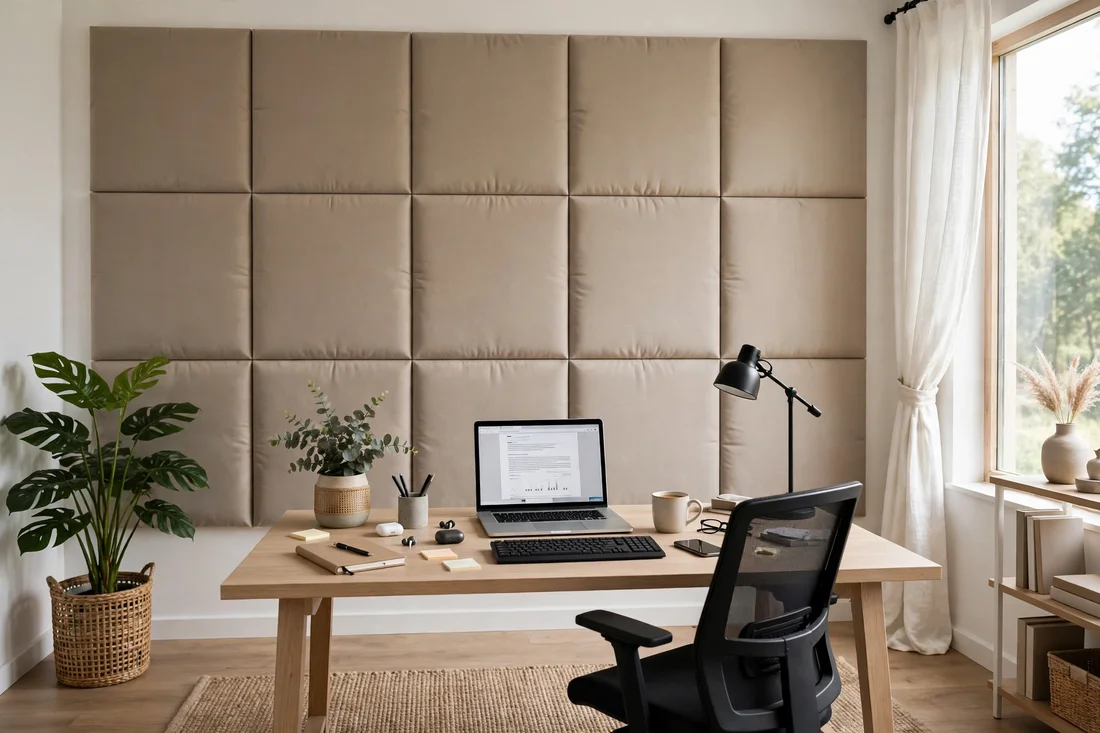
12. Acoustic Panel Backdrop
Acoustic panels behind the desk soften echo on calls and look like intentional decor at the same time. Choose a color that matches the room and arrange them in a simple grid or offset pattern.
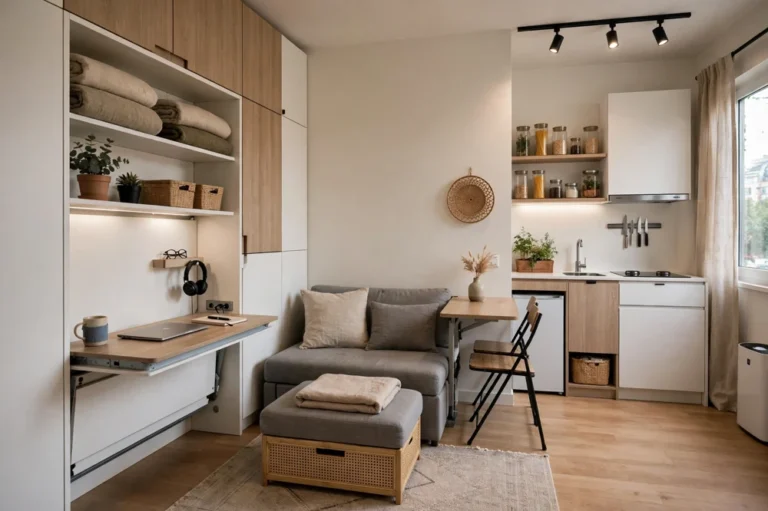
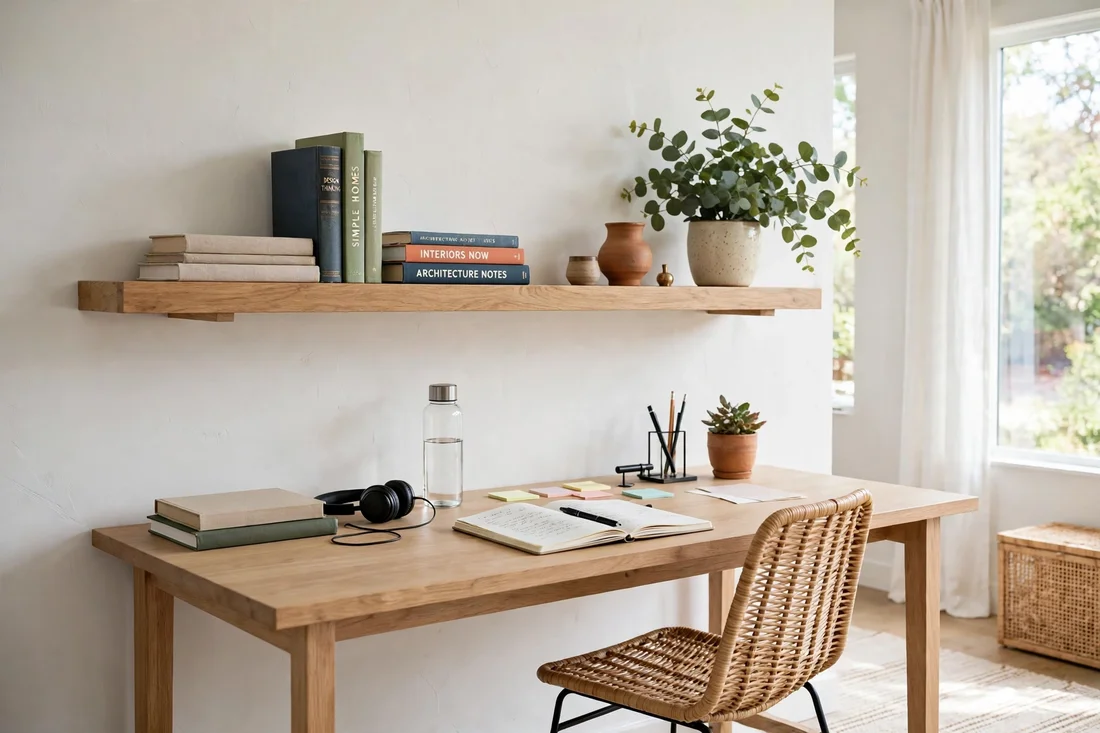
13. Shelf Above the Desk
A shelf above the desk keeps reference books and a plant within reach without eating desk space. Mount it at a height you can reach from the chair and keep it to one row so it never feels crowded.
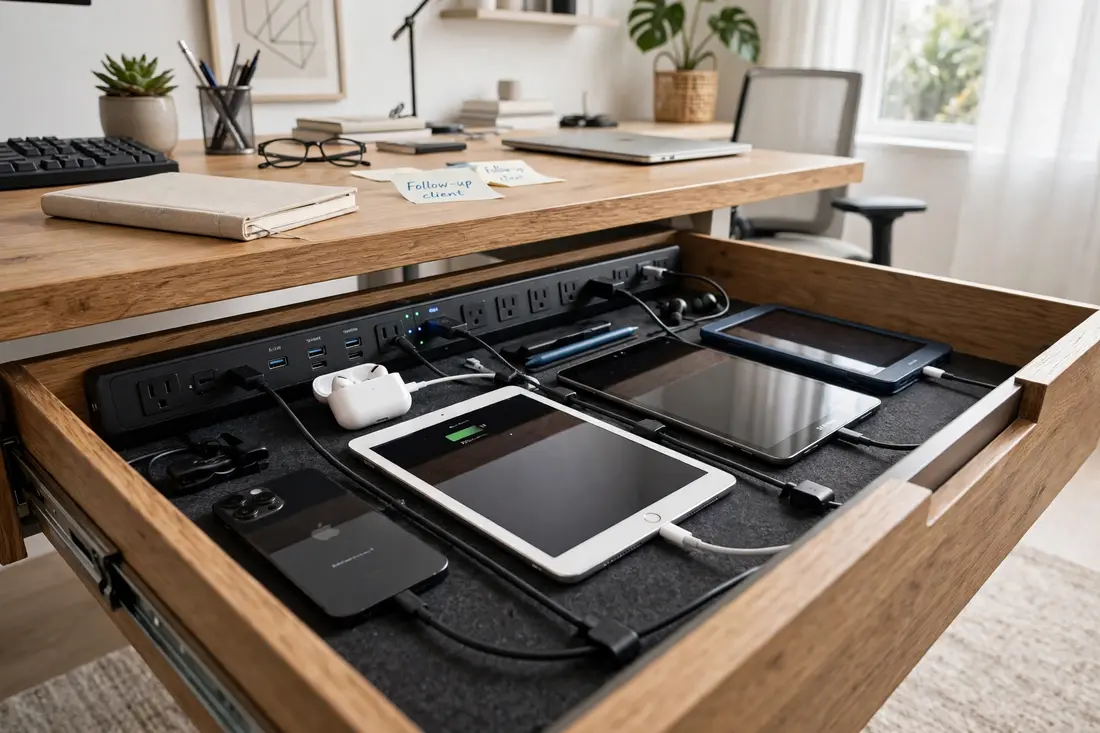
14. Charging Drawer
A charging drawer hides phones and tablets on a power strip inside the desk, so the surface stays free of cables and devices. Drill a small cable hole at the back and the setup stays invisible.
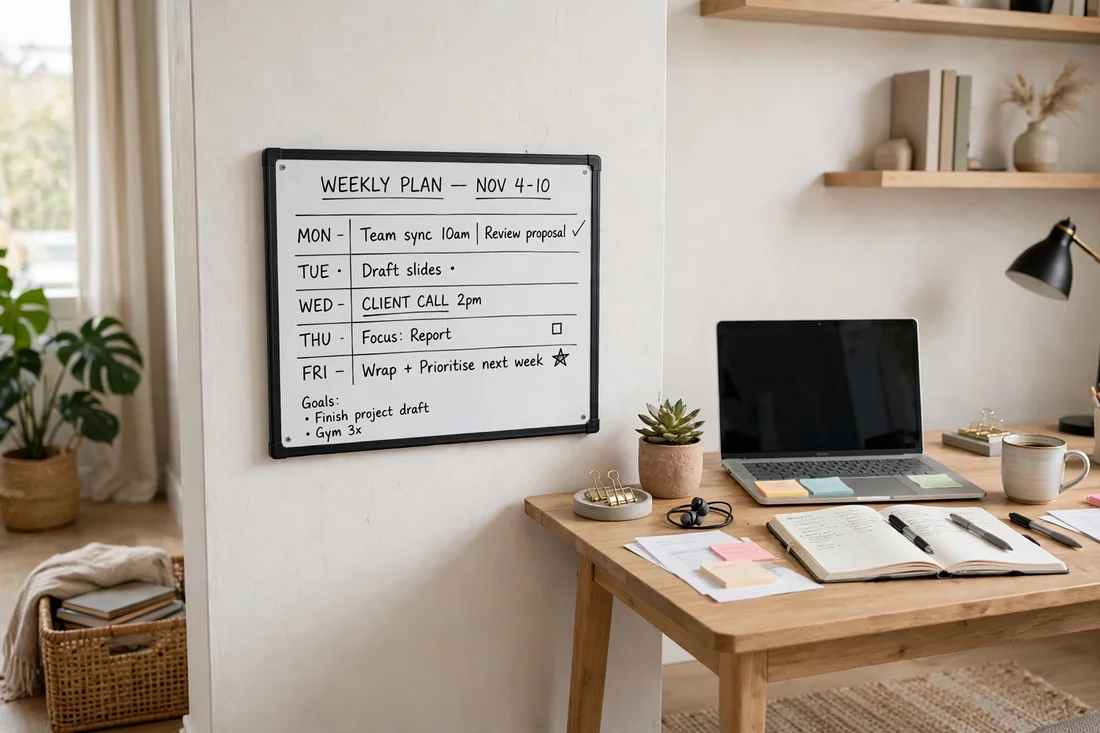
15. Whiteboard Planning Wall
A whiteboard beside the desk turns planning into something you can see at a glance instead of a list buried in an app. Keep it to the week ahead and wipe it clean every Monday for a fresh start.
16. Plant for Fresh Air
A plant on the desk is more than decoration: it gives your eyes a natural focal point during screen breaks. A small pothos or ZZ plant thrives on neglect and survives the occasional forgotten watering.
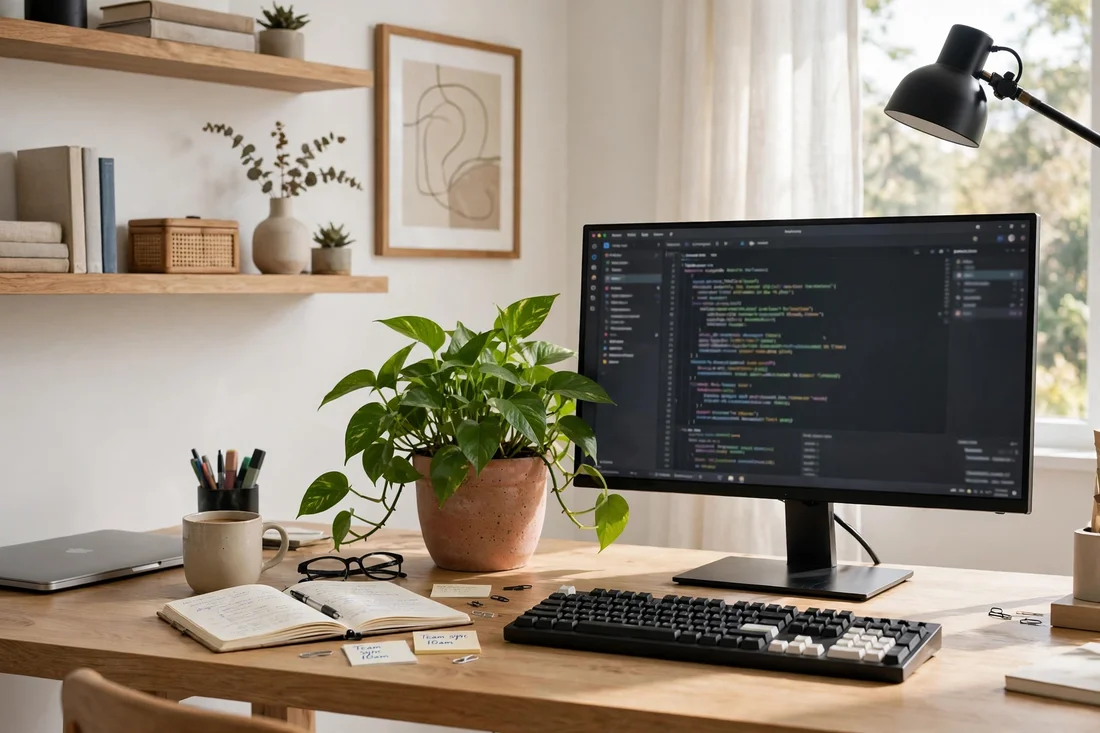
17. Mug Warmer Corner
A mug warmer keeps coffee at drinking temperature through long calls, which is a small luxury that makes a home office setup feel considered. Keep it at the back corner so it never crowds the keyboard.
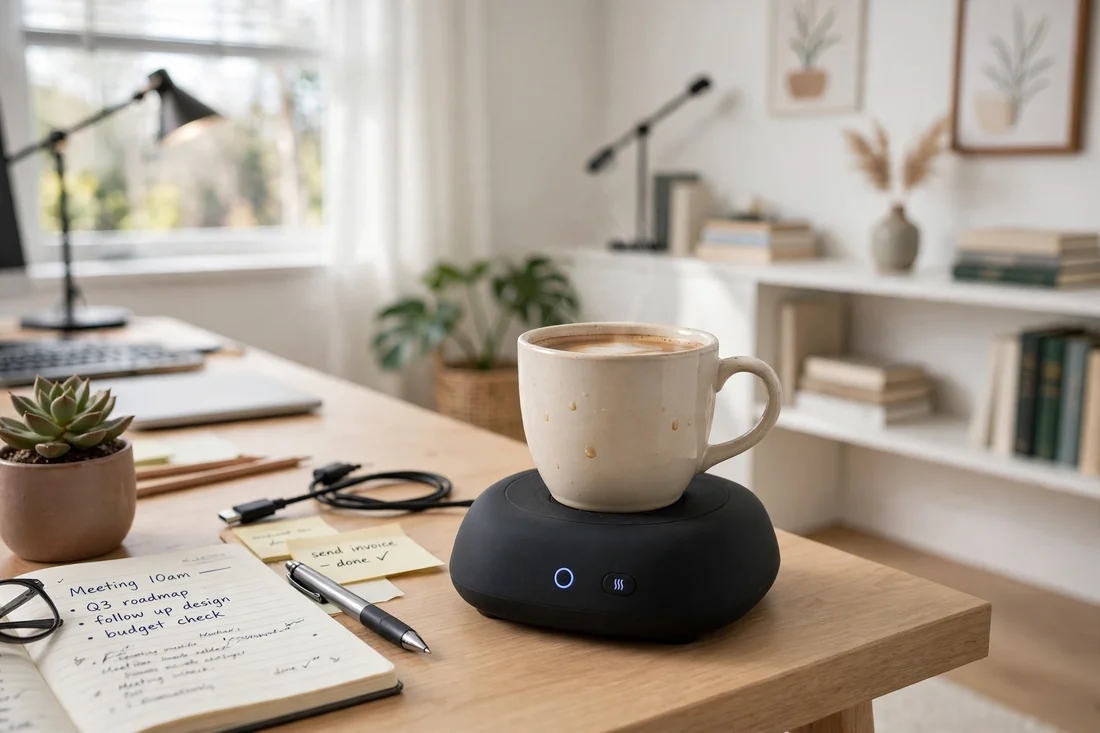
18. Headphone Hook
A hook under the shelf keeps headphones off the desk and within easy reach for the next call. It is a two-dollar fix that clears surface space and stops the headphones from living on the keyboard.
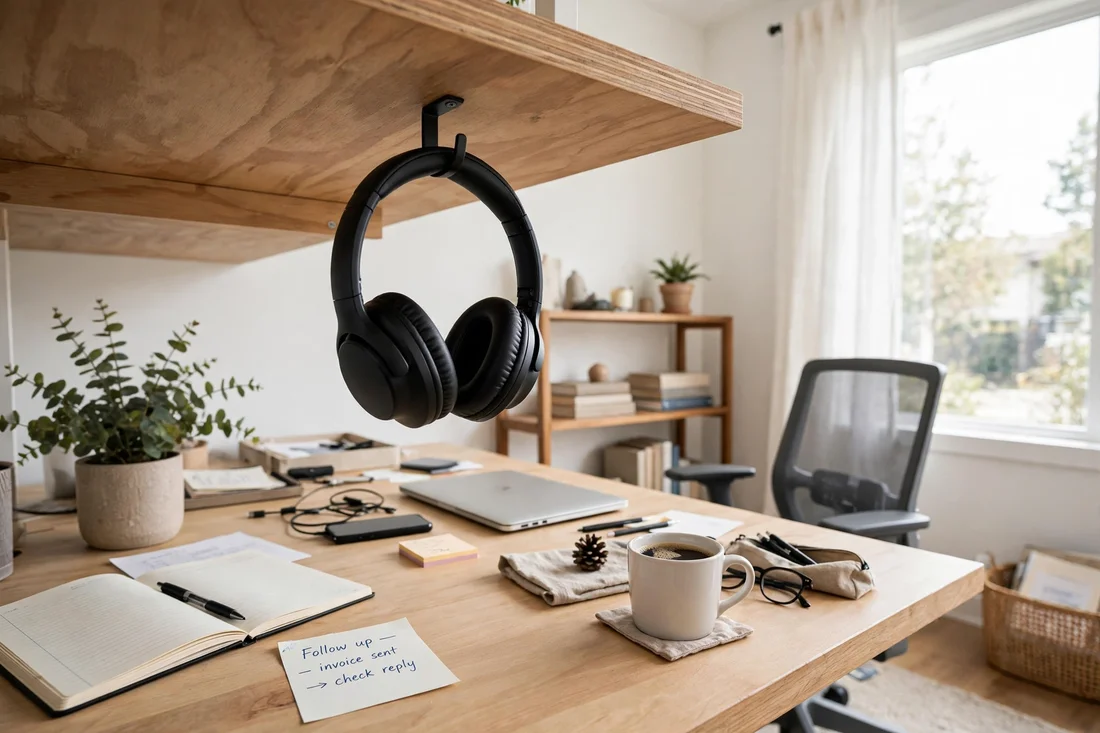
19. Timer and Focus Tools
A simple timer on the desk turns vague work into focused sprints with real breaks, which is the heart of a good home office setup. Pair it with a paper notebook for the thoughts that arrive mid-task.
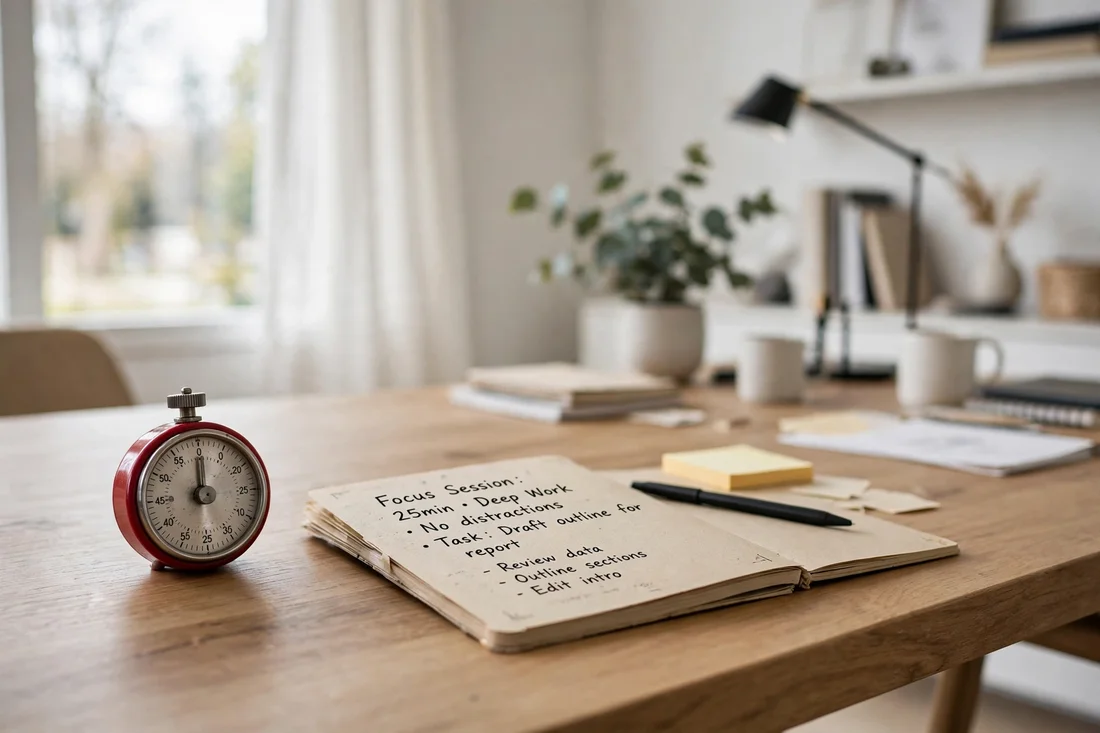
20. End-of-Day Shutdown Ritual
End every workday by closing the laptop, clearing the desk and pushing the chair in, which tells your brain the office is closed. A tidy desk in the morning is the fastest way to start the day well.
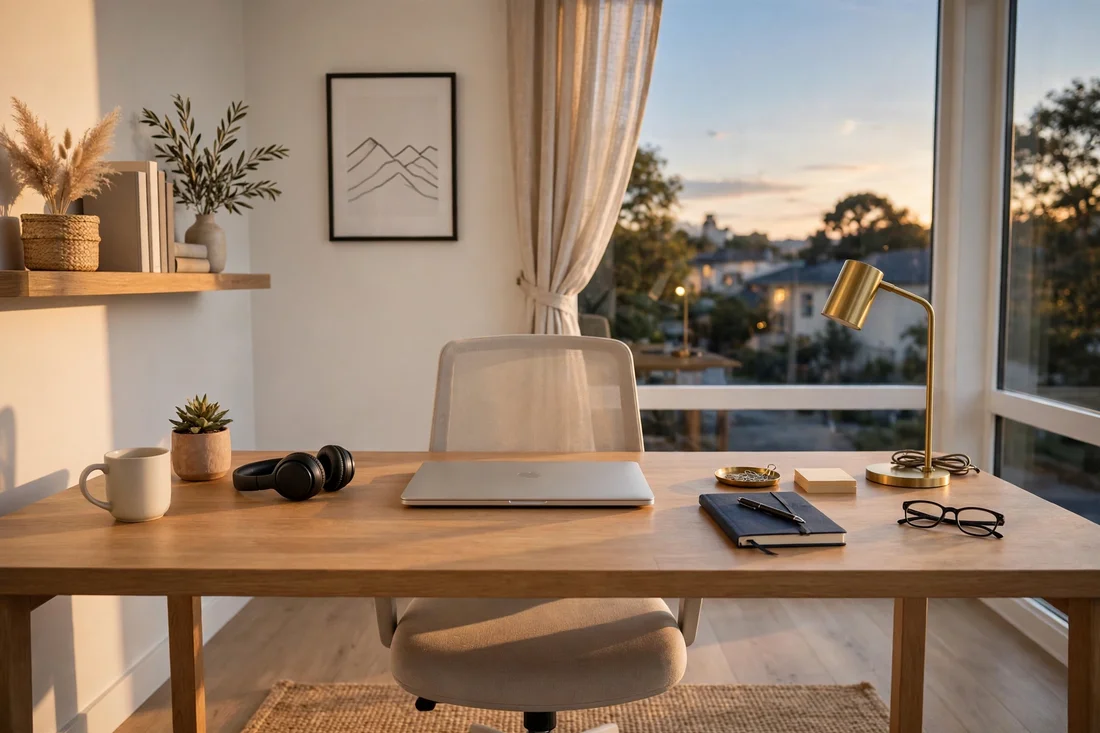
21. Evening Glow Office Setup
Finish your home office setup glowing in the evening. Dim the overheads, let the monitor light bar and desk lamp take over, and enjoy a workspace that feels calm, organized and ready for tomorrow.
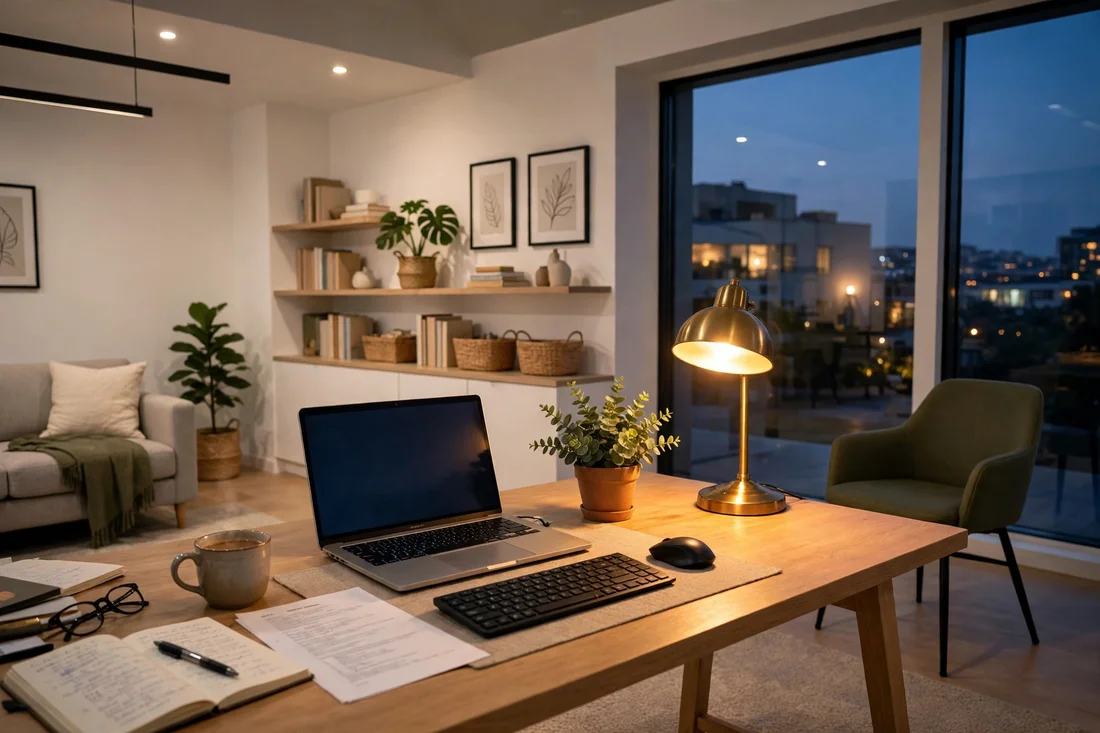
Conclusion
The best home office setup is the one you stop noticing — everything within reach, nothing in the way. Start with ergonomics, add light, then hide the cables, and your setup will work as hard as you do. You may also like our Small Home Office Ideas, Home Office Setup, and Closet Office.
Also in this home office series: 21 Small Home Office Ideas That Work in Any Home and 20 Closet Office Ideas That Turn a Closet Into a Workspace.